
An employee offboarding checklist should do more than disable email. Your business needs to cut off the departing employee’s access at the right time, preserve business records, hand ongoing work to someone else, and account for every company device.
The most reliable approach is to plan the handoff, revoke access when the departure takes effect, then verify and document what was completed. Avoid treating account deletion as the same thing as access removal: a business may need to block sign-in promptly while retaining an account or its data for an approved business purpose.
Before the last day: prepare the handoff
Start with a list of the employee’s accounts, devices, responsibilities, and access methods. Ask the employee’s manager to confirm what the person uses, then compare that list with your identity, device, and application records. Include less-visible access, not just the tools the employee uses every day.
- Core identity and communication: Work email, identity provider, messaging, calendars, phone or voicemail, and any account used for password recovery.
- Work applications and data: Cloud storage, file-sharing tools, customer or case-management systems, finance and HR applications, and project platforms.
- Remote and elevated access: VPN, remote desktop, administrator accounts, password managers, vendor portals, and any shared credentials or service accounts the employee could access.
- Devices and physical access: Company computers, phones, tablets, security keys, removable storage, building badges, and keys.
- Work in progress: Customer requests, upcoming meetings, shared files, approvals, recurring tasks, and projects that need a new owner.
Assign a responsible person for each handoff. Decide who will manage the employee’s mailbox, calendar, files, customer relationships, and open work. If customers need to keep reaching the business, plan an approved mailbox delegate, shared address, or other continuity arrangement. Do not rely on sharing the former employee’s password.
Confirm the departure time with the manager and the people responsible for IT and operations. Prepare the account changes in advance, but coordinate the actual access cutoff with the agreed departure time. If the departure is unexpected, use your established process to secure access promptly and coordinate the remaining handoffs with the appropriate manager.
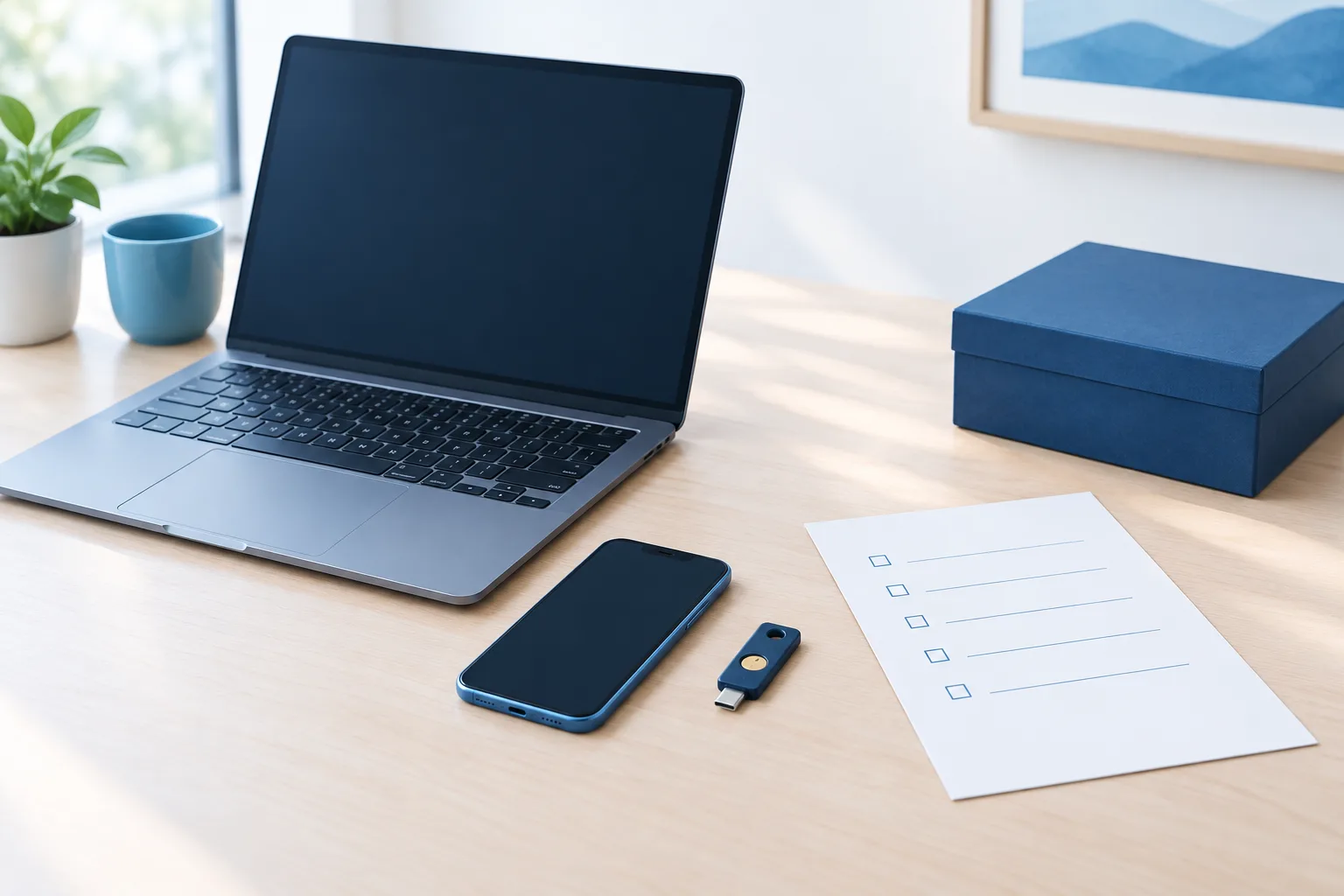
At the departure time: revoke access, not needed records
At the agreed time, block the employee’s ability to sign in to the business identity account and important applications. Where the systems allow it, revoke active sessions and tokens as well as disabling sign-in. Removing a password alone may not end access that is already active.
Work through the full access list, including VPN, remote access, cloud applications, vendor portals, privileged accounts, and physical entry. Remove the employee’s individual permissions from shared folders and systems. Review password-manager access and rotate shared credentials the employee knew or could retrieve. Remove their access to administrative accounts and check recovery methods, authentication devices, and phone numbers tied to business accounts.
For an overview of former-employee account steps in Microsoft 365, see Microsoft’s guidance for removing a former employee. The right sequence depends on your systems and the data that must remain available, so make sure your process distinguishes stopping sign-in from later retention or deletion.
Do not immediately delete accounts or files simply to make the user list look clean. First confirm the business owner for the records and check internal retention, contractual, or legal-hold requirements with the appropriate people. Preserve what the business needs under its established process, and remove or dispose of data only when authorized.
Keep email, files, and responsibilities moving
Transfer ownership of shared documents and workspaces where needed. Review the employee’s calendar for business meetings, recurring events, and commitments that need a new organizer or owner. Make sure a colleague can find active projects, customer correspondence, and relevant working files without granting broader access than necessary.
For email, decide whether the mailbox should be retained, delegated, or replaced with a shared business address. If messages need to reach a colleague, set up the approved handoff and communicate the new contact route to customers or partners when appropriate. Keep the arrangement limited to the business need, and avoid leaving the former employee’s account as an informal shared inbox.
If the departing employee has managed a company-owned service or account, such as a website, cloud environment, or vendor relationship, confirm that a current employee has control and recovery access. Review connected credentials and integrations as well. An account can remain active even after the employee is gone if it is owned by a business email address or shared credential.
Recover company devices and handle personal devices carefully
Use a device return checklist to record each company laptop, phone, tablet, security key, and accessory expected back. Record whether it was returned, its condition, and who has taken responsibility for it. Then confirm the device is accounted for in your management process and remove access or business data using your approved tools.
For a personal phone or computer used for work, treat company data separately from personal content. Use your organization’s approved device-management process to remove business accounts or work data. Do not casually wipe a personal device or ask for personal passwords. If the device is not managed or the data-removal path is unclear, ask your IT or compliance contact to determine the appropriate process.
For a practical look at preparing employee equipment and access at the start of employment, see this guide to employee device onboarding. A consistent approach at both ends of the employee lifecycle makes device records and access responsibilities easier to manage.
Make healthcare offboarding part of the access process
Healthcare organizations handling electronic protected health information should include systems and devices that can reach that information in the access review. Remove the departing employee’s access to clinical, administrative, and file systems as applicable, and confirm ownership of any open work or records that need follow-up. Keep the process aligned with your organization’s documented controls and retention requirements.
When a business needs help aligning IT processes with compliance requirements, it can review its procedures with the appropriate internal or external support. Zevonix provides compliance support that includes requirements such as HIPAA and GDPR. For broader planning, see business IT compliance support.
Verify completion and keep a record
Do not treat the checklist as complete just because the main email account is disabled. Review the original access and device inventory with the responsible manager or IT contact. Confirm that access has been removed from each listed system, active sessions and credentials have been addressed where applicable, devices have been recovered or accounted for, and work has a new owner.
Record who completed each action and note any exceptions that still need follow-up. If a system owner, vendor, or device is unavailable at the time of departure, assign a person and a clear next action. A concise record helps the team confirm the handoff later and spot gaps in the offboarding process.
For additional guidance on reducing common access risks, the CISA Cybersecurity Performance Goals Checklist offers a broader cybersecurity reference. You can also review how ongoing IT support helps businesses maintain systems through Zevonix’s managed cybersecurity overview.
Frequently asked questions
When should a former employee’s access be revoked?
Coordinate the cutoff with the employee’s agreed departure time and your internal process. For an unexpected departure, follow your established procedure to secure access promptly while coordinating business continuity.
Should an employee’s account be deleted immediately?
Not necessarily. Block sign-in and remove access as needed, then retain or delete the account and its data according to approved business, retention, and legal-hold requirements.
How can a team keep receiving customer messages?
Assign a colleague to manage the needed business correspondence. Use an approved mailbox delegation, shared address, or other controlled arrangement rather than sharing the former employee’s password.
How should a business remove work data from a personal phone?
Use the organization’s approved device-management process to remove business data or accounts without casually erasing personal content. Ask IT or the appropriate compliance contact if the device is unmanaged or the removal method is uncertain.
How can a business confirm all access has been removed?
Compare the employee’s account, application, device, and physical-access inventory against completed actions. Check less-visible access such as active sessions, recovery methods, shared credentials, and vendor accounts, then document unresolved items and assign follow-up.
Close access while preserving the handoff
A well-run offboarding process protects access without stranding the team or losing business records. Prepare the account and device inventory, assign owners for ongoing work, revoke access at the right time, and verify every action. If your business would like help reviewing its IT access and support processes, contact Zevonix at (904) 658-0777.