
Medical device network segmentation gives a practice a way to limit which systems can communicate with one another. The goal is not to isolate every device from everything else. It is to reduce unnecessary connections while preserving the links clinicians need for patient care, records, and device support.
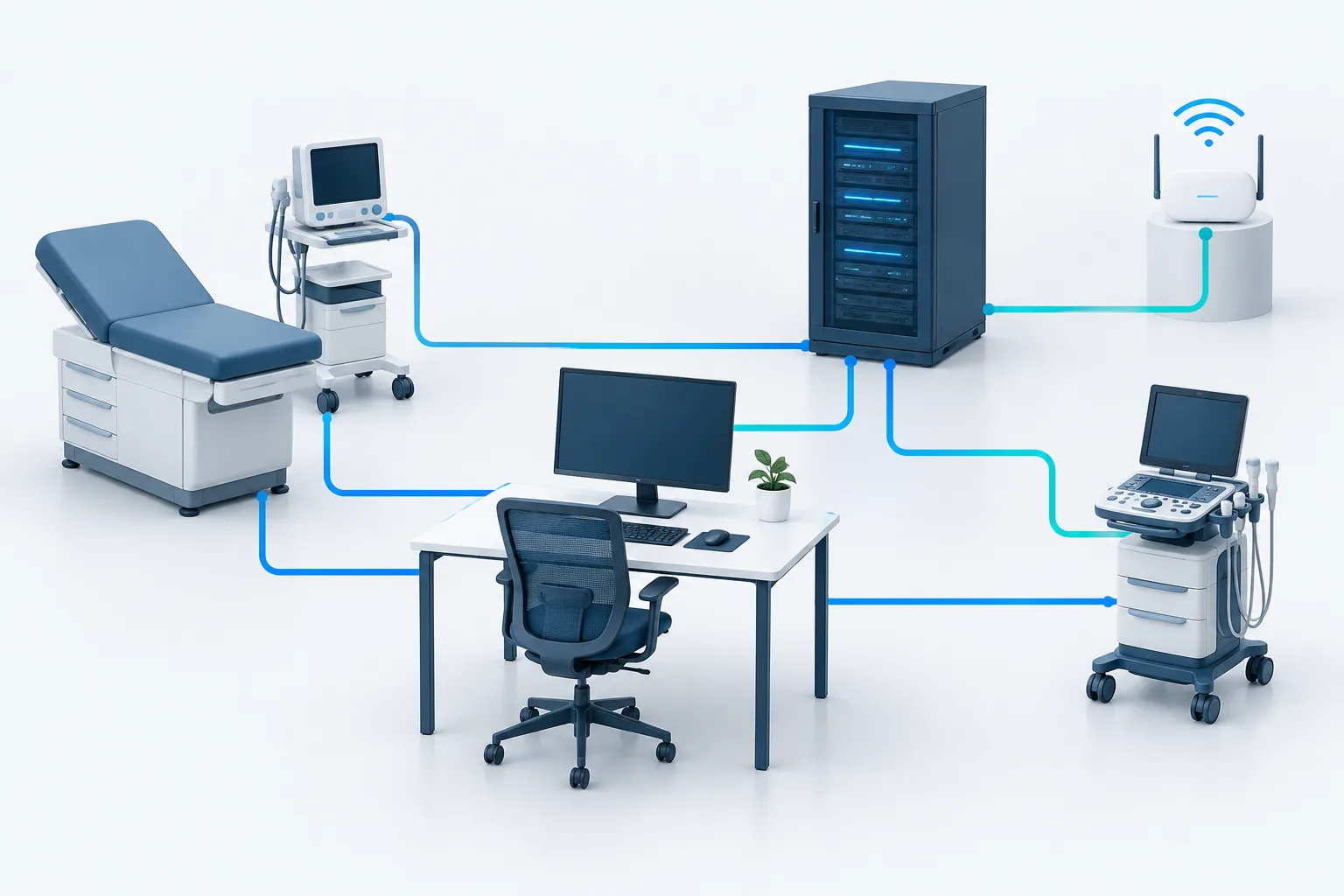
A thoughtful design separates clinical equipment, staff and administrative computers, shared servers and applications, and guest Wi-Fi into distinct network zones. The practice then allows only documented, necessary traffic between those zones. Planning and testing matter: a blanket block could disrupt a device or workflow that depends on a specific connection.
Why separate devices and users?
Medical devices, office computers, and visitor phones do different jobs and have different access needs. If they share a broadly connected network, a compromised or misconfigured device may have more opportunity to reach other systems than it needs. Separation can reduce that exposure by limiting communication paths.
Segmentation is one part of healthcare network security, not a substitute for patching, access controls, backups, or a response plan. The HHS healthcare cybersecurity guide discusses network segmentation as part of a broader set of security practices, rather than a standalone fix: HHS technical guidance for healthcare organizations.
Start with practical network zones
A practice can use separate network zones, sometimes implemented with virtual LANs (VLANs), to organize systems by purpose. The exact design depends on the practice’s equipment, applications, and network configuration. A useful starting model includes:
- Medical devices: Place clinical equipment in a zone suited to its role and documented connectivity needs. Different device types may need different rules; do not assume all clinical equipment requires the same access.
- Staff and administrative computers: Keep computers used for email, scheduling, billing, and general office work separate from device networks where practical. Give staff access to the applications they need, rather than broad access to every device.
- Servers and clinical applications: Identify where the electronic health record (EHR), imaging systems, file services, and other shared applications reside. Define which users and devices need to reach them and for what purpose.
- Guest Wi-Fi: Keep visitor access separate from the practice’s internal systems. Guest devices generally need internet access, not access to staff computers, clinical equipment, or internal applications.
These are functional categories, not a one-size-fits-all network blueprint. A device’s vendor documentation and the practice’s actual workflows should guide the detailed design. For a broader look at protecting a business network, see network security practices for businesses.
Allow only documented, necessary connections
After identifying zones, make a list of the connections that must cross between them. For each connection, record the source system, destination system, purpose, and the vendor or application requirement that supports it. The principle is straightforward: permit required traffic and block access that has no business or clinical purpose.
For example, a medical device may need to send information to a clinical application, receive a configuration update, or communicate with a vendor service. Confirm the details with the device documentation and the practice’s IT team before creating a rule. Do not open broad access between the medical device zone and all staff computers just because troubleshooting is easier that way.
Keep a record of exceptions. Note why each exception exists, who approved it, and when it should be reviewed. If a device or application changes, revisit the rule rather than leaving old access in place indefinitely. This documentation also helps explain how network safeguards support the practice’s risk management work. HHS cybersecurity performance guidance offers healthcare organizations another reference for prioritizing safeguards: HHS Cybersecurity Performance Goals.
Protect vendor access without blocking support
Some devices need vendor support or remote maintenance. Avoid leaving a broadly accessible connection open for convenience. Instead, work with the vendor and IT support to define how access is requested, approved, limited to the systems needed, and closed when the work is complete.
Where supported, use individual accounts and multifactor authentication, and keep a record of remote sessions. Limit access by device and purpose rather than providing a vendor a general route into the practice network. Confirm who is responsible for enabling and disabling access, especially when support is provided by a third party.
Wireless devices need particular care because their communications and clinical role may have specific requirements. NIST’s healthcare-focused guidance on wireless infusion pumps is one example of device-specific security considerations: NIST guidance on securing wireless infusion pumps.
Plan changes around patient-care workflows
Network separation can affect how a device connects to the EHR, an imaging system, a printer, or a vendor service. Before changing rules, involve clinical staff who understand the workflow and confirm requirements with the relevant device and software vendors. Test the connections needed for normal work, not just whether a device appears online.
A careful change process can include:
- Inventory devices, computers, applications, and network connections that support clinical work.
- Confirm device and application requirements with vendor documentation and support contacts.
- Write down the proposed zones and the specific traffic allowed between them.
- Test the plan in a controlled way with staff, including relevant clinical workflows and support access.
- Keep a fallback plan and a clear process for reporting a problem during or after the change.
- Review rules when equipment, applications, vendors, or workflows change.
Do not treat a successful network test as proof that the clinical workflow is unaffected. Ask the people who use the equipment to confirm that it performs its intended tasks. For practices reviewing endpoint maintenance alongside network changes, this guide to business computer patching and updates covers another important part of keeping systems maintained.
Account for devices that are hard to secure
Some equipment may have limited configuration options or may not be easy to patch. Identify those devices and document the constraint rather than assuming they can be treated like a standard workstation. Network restrictions can help limit their access, but the appropriate controls depend on how the device is used and what its vendor supports.
Ask the vendor about supported updates, required connections, and recommended safeguards. Keep access limited to what the equipment needs, monitor its connectivity where feasible, and include it in the practice’s risk review. If a device cannot be patched or securely configured, consider that limitation when deciding where it belongs and how its access should be controlled.
Does HIPAA require a separate network?
HIPAA does not prescribe a particular VLAN layout or require every practice to use the same network architecture. Practices should evaluate risks to electronic protected health information and select safeguards appropriate to their environment. Network separation may be a useful safeguard, but the right design depends on the systems, devices, and workflows involved. For questions about a practice’s specific obligations, consult a qualified compliance professional.
Frequently asked questions
Should medical devices be on a separate network from office computers?
Separating them can reduce unnecessary access between clinical equipment and general-purpose computers. Confirm device requirements and clinical workflows before deciding how to implement that separation.
How should a practice isolate guest Wi-Fi?
Configure guest access so visitors can use the internet without reaching staff computers, clinical devices, or internal applications. Have IT verify the isolation rather than relying only on the network name or password.
Can medical devices still communicate with the EHR after segmentation?
They can when the necessary connection is identified and allowed. Confirm the required communication with the device and EHR vendors, then test the workflow before and after making changes.
Could segmentation disrupt care?
It could if a required connection is blocked or a workflow is overlooked. Involve clinical staff and vendors, document permitted traffic, and test relevant tasks before considering the change complete.
What if a device cannot be patched or securely configured?
Document the limitation, confirm supported options with the vendor, and restrict the device’s network access to what is necessary. Include the risk in the practice’s broader security review.
Make separation deliberate, not disruptive
Effective medical device network segmentation starts with understanding what the practice has, what each system must connect to, and which workflows must keep working. Separate zones, narrowly defined access, controlled vendor support, and careful testing can help reduce unnecessary exposure without treating clinical connectivity as an afterthought.
Zevonix supports healthcare organizations with HIPAA-compliant IT and specialized compliance support. If your practice is reviewing network separation, contact an IT professional to map the required connections and plan a workflow-aware test before making changes.